



Crystalroll Mobile Casino
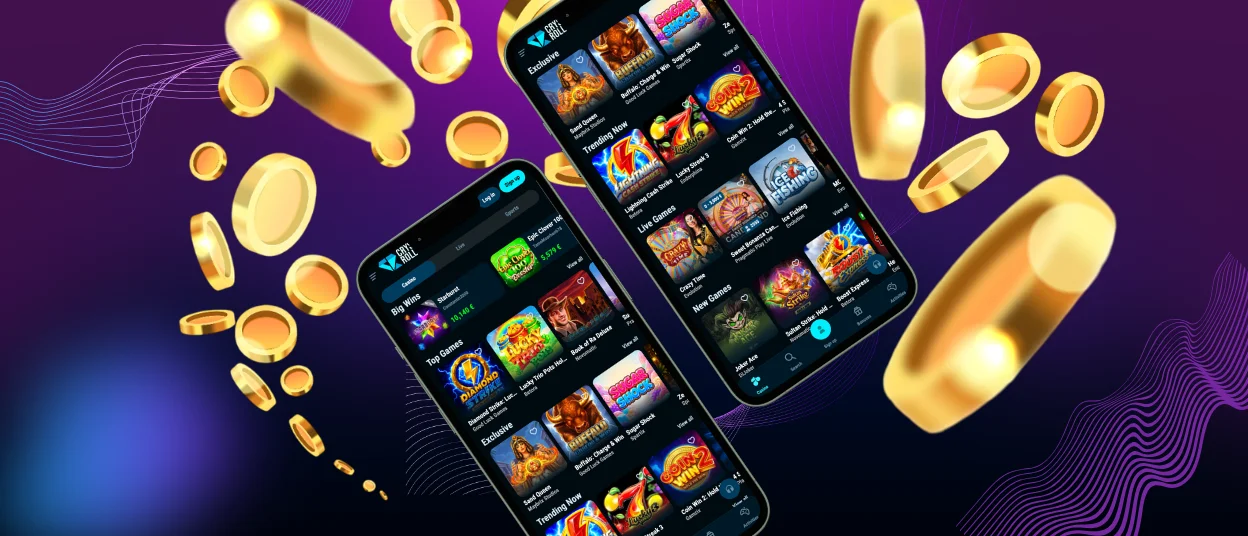
Accessing our casino is easy with the Crystalroll app. This tool is the perfect solution for playing on the go while having a break or traveling. You can get it on any device running iOS or Android. The installation happens via your preferred browser in a few taps.



Crystalroll Mobile
The Crystalroll Casino mobile application has numerous advantages. The first and most important feature is that it allows you to play anywhere as long as you’re connected to the internet. You don’t need to be attached to your computer anymore.
Our software grants you access to the full casino library. All the games, as well as the bonuses, are only a few taps away with the Crystal Roll app. You can profit from your favorite titles and claim offers that will enhance your activity on the platform.
The application we provide is a PWA (Progressive Web App), meaning you can easily install it on your device. It won’t require much time, as the whole process takes only a few minutes.
Numerous options are available in the Crystalroll app; you can receive notifications on ongoing bonuses and offers. Also, it updates automatically in the background, so you won’t have to do it manually.
How to Use Crystalroll on Android
The Crystal Roll Casino application has been optimized for Android use. This adaptation makes sure that accessing our casino via your device is comfortable and without any hassle. You can easily install the software via your preferred browser.
| Android technology | Crystalroll app implementation |
| Android system requirements | Requires Android 6.0 (Marshmallow) or higher with Chrome 73+ for full PWA functionality. |
| Storage & cache | Our app uses Android’s internal cache system. It takes approximately 2–5 MB of storage, significantly less than a native app. |
| Background updates | The software uses Android’s Service Worker API to update content and assets in the background without any intervention from the user. |
| Touch & gesture support | The app is optimized for Android’s multi-touch input and gesture navigation, which ensures smooth gameplay and responsive controls. |
PWA
Getting our PWA installed on your device is as easy as ever. Since the installation doesn’t require you to visit app stores, the process takes only a few minutes before you can begin your mobile casino journey. You won’t need a lot of storage space, only the minimum for the software to function properly. Here’s how the process goes:
- Open your preferred browser. It is recommended to use Google Chrome, as it works well with our PWA.
- Navigate to the official Crystal Roll website. Simply type in our URL in the search bar.
- Find the menu button at the bottom of the screen and tap on it. It is usually depicted using three dots or three bars.
- Press the “Add to home screen” button.
- Wait for the casino icon to appear on your home screen. It should only take a few seconds.
As soon as the PWA appears on the screen of your gadget, you can start playing. Simply tap on the icon and log into your account. Make sure you have gone through the verification process before beginning your sessions.
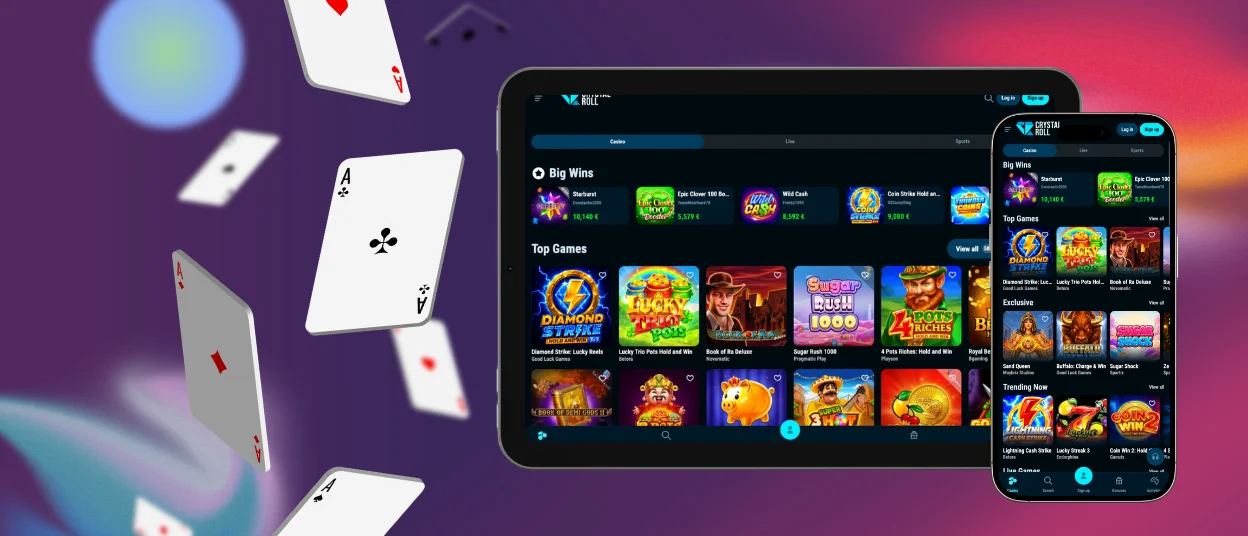
Crystalroll Casino for iOS App
Speaking of the iOS application, it works almost the same as the Android one. The only difference is that this specific version of the Crystalroll app has been adapted for Apple gadgets. It works well with the Safari browser, as well as with other solutions. The touch controls are optimized to feel comfortable no matter if you’re using an iPad or an iPhone.
The installation process is very similar to the Android one: you will need to open Safari (or another browser) and go to our official website. The next step is to locate the menu of your browser and press the “Share” button. The last thing to do is tap on “Add to home screen.”
After these easy steps, the software will be added to your device. You will only need to locate the Crystalroll Casino icon on your home screen and tap it. When you’re done, just access your profile and begin playing.
Crystalroll Desktop App for Windows and macOS
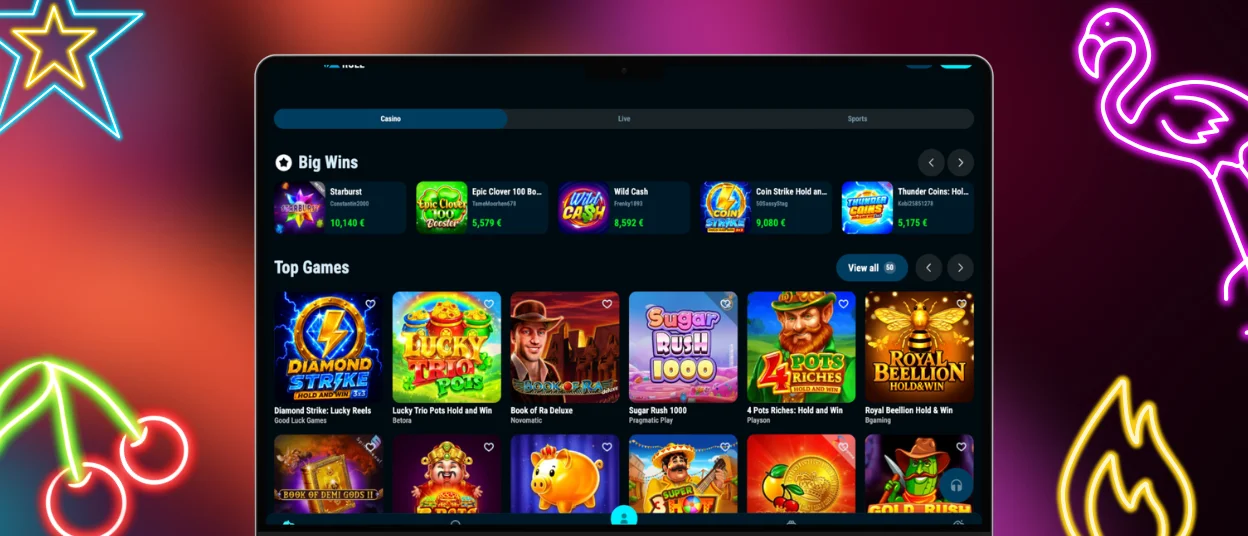
The mobile app is very convenient, but we also have a Crystal Roll Casino application for desktop computers. This software permits you to access our casino in an easier manner via your PC rather than using your browser.
The desktop application gets rid of the browser toolbars and unnecessary screen details. It is adapted for large screens and allows quicker access to all our features.
Installing this software is possible by visiting our official website. Add the shortcut to your desktop and start a totally new gaming experience.
FAQ
Do I need to download the Crystalroll app?
No, you don’t need to download anything. To get the Crystalroll app, you need to add our shortcut to your home screen. This happens via any browser of your choice. If you encounter any difficulties with installation, you can get in touch with the support team via live chat.
Can I claim a Crystalroll welcome bonus from my phone?
Sure, all the offers you are used to seeing on desktop are available in the app. You can easily claim any promotion in a few taps via our software, including the welcome bonus.
How can I update the Crystalroll app?
You won’t have to worry about updating the Crystal Roll application. Since our software is a PWA, it updates automatically in the background while you are playing your favorite online slots. All the processes are automated, so you don’t have to visit app stores.


